

Key Takeaways
Our Verdict
Spreadsheets and budgeting apps both deliver results when used consistently. Spreadsheets win on control, privacy, and flexibility; apps win on automation, real-time alerts, and lower friction. The format matters far less than the habit of actually reviewing your numbers regularly.
| Best for | Recommended |
|---|---|
| Those who want full control and privacy over their financial data | Spreadsheet |
| Busy individuals who want automated transaction tracking | Budgeting App |
| First-time budgeters who need low setup friction | Budgeting App |
| People with irregular income or complex financial structures | Spreadsheet |
What Each Tool Actually Does
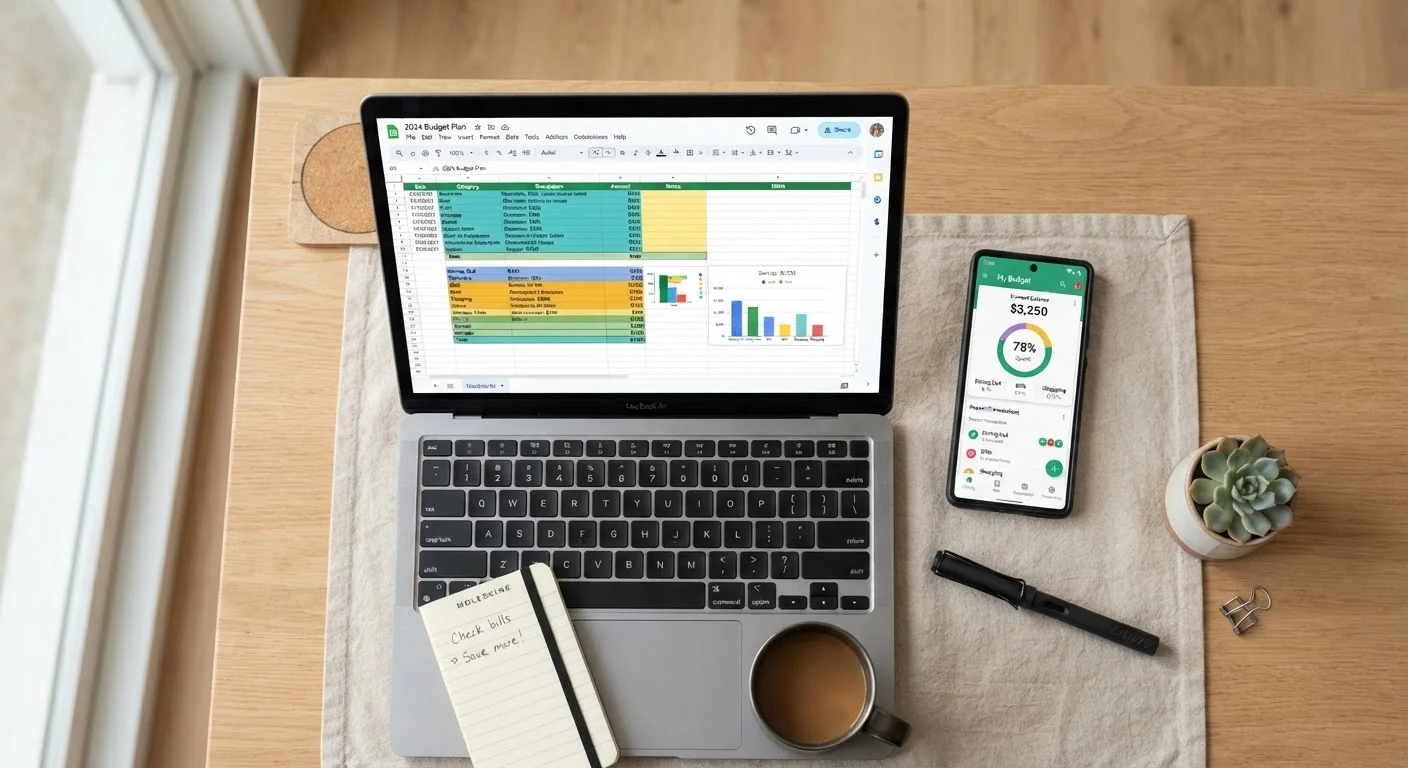
A spreadsheet - whether Google Sheets, Excel, or a downloaded template - is a blank grid you shape into a budget. You define your categories, enter transactions manually or import bank exports, and build whatever formulas track what matters to you. Nothing happens without your input, which is both its strength and its friction point.
A budgeting app connects directly to your bank and credit card accounts via secure APIs, pulling transactions automatically. It categorizes spending, tracks balances, and often sends alerts when you approach a limit. The tradeoff: you hand over read-level access to your financial accounts.
Both can support any budgeting framework - whether you prefer the 50/30/20 rule or zero-based budgeting, the underlying method works in either format. The tool is just the container.
| Criterion | Spreadsheet | Budgeting App | |
|---|---|---|---|
| Setup effort | Spreadsheet | High - build or adapt a template | Low - guided onboarding |
| Transaction entry | Spreadsheet | Manual (or bank export import) | Automatic via bank sync |
| Customization | Spreadsheet | Unlimited - full control | Limited to app's structure |
| Data privacy | Spreadsheet | High - stored locally or personal cloud | Lower - shared with third party |
| Ongoing cost | Spreadsheet | Free (Google Sheets) or bundled | $5-$15/month for premium apps |
| Real-time alerts | Spreadsheet | None built-in | Yes - spending and balance alerts |
| Best for irregular income | Spreadsheet | Yes - fully adaptable | Varies - some apps handle it poorly |
Where Spreadsheets Have the Edge
Customization is unmatched. If your income varies month to month - freelance work, tips, rental income - a spreadsheet can be built around your exact structure. You can track irregular expenses, model scenarios, and build charts that show exactly what you care about.
Privacy is real. Your data lives on your computer or a personal cloud account, not on a third-party server that aggregates financial data. For people uncomfortable sharing account credentials - even read-only access - this matters.
No subscription cost. Google Sheets is free. Excel is included in many Microsoft 365 plans. Templates for zero-based budgets, envelope tracking, and net worth sheets are widely available at no cost.
The genuine downside: manual entry takes time and discipline. Miss a week of logging and you're reconstructing from memory. If you want to go deeper on low-friction spending tracking methods, pairing manual entry with a weekly 10-minute review session helps close the gap.
Start With a Template, Not a Blank Sheet
If you're new to spreadsheet budgeting, starting from scratch is the fastest path to giving up. Search for free zero-based or 50/30/20 budget templates in Google Sheets - dozens exist and take under five minutes to adapt to your income. Customize from there rather than building formulas from the ground up.
Where Budgeting Apps Have the Edge
Automation removes the biggest barrier to consistency. Transactions sync automatically, categories populate without manual input, and you can check your budget status in under a minute. For households with multiple accounts and cards, this alone is worth the tradeoff for many people.
Real-time visibility. Apps can alert you the moment a large transaction posts or when a category is 80% spent. That kind of feedback loop is hard to replicate with a spreadsheet unless you're logging daily.
Built-in structure. For someone building their first budget from scratch, a pre-structured app removes the design burden entirely - just plug in targets and the framework does the math.
The genuine downsides: most robust apps charge $5-$15/month. Data privacy is a legitimate concern - read terms carefully, particularly around how transaction data is used or sold. And some apps miscategorize transactions in ways that quietly distort your picture if you're not checking regularly.
Making the Decision That Sticks
The single biggest predictor of budgeting success isn't the tool - it's whether you actually review your numbers. A spreadsheet abandoned after two weeks beats nothing, but so does an app you never open after setup.
Ask yourself three questions before choosing:
- How often will I realistically log or check transactions? Daily discipline favors a spreadsheet; weekly check-ins favor an app.
- How complex is my financial picture? Multiple income streams, business expenses, or investment tracking often need spreadsheet flexibility.
- How do I feel about sharing account access? If it creates anxiety, that friction will undermine app use over time.
Either way, build a monthly review habit. A monthly budget audit checklist helps you compare planned versus actual spending and reset before small drift becomes a bigger problem. And if life throws curveballs - a job change, a big unexpected bill - knowing how to build a budget that holds when things get expensive matters more than which tool you used to build it.
This article is for general informational purposes only and does not constitute personalized financial advice. Consult a qualified financial professional for guidance specific to your situation.